 MyDeskMate
Extracting tabular data, financial ledgers, and corporate reports from PDF documents into dynamic Microsoft Excel spreadsheets (.xlsx) has historically been one of the most frustrating manual bottlenecks for accountants, auditors, and researchers. Our crown jewel technology—Smart OCR—transforms how unstructured PDF tables are converted into clean, formula-ready spreadsheets.
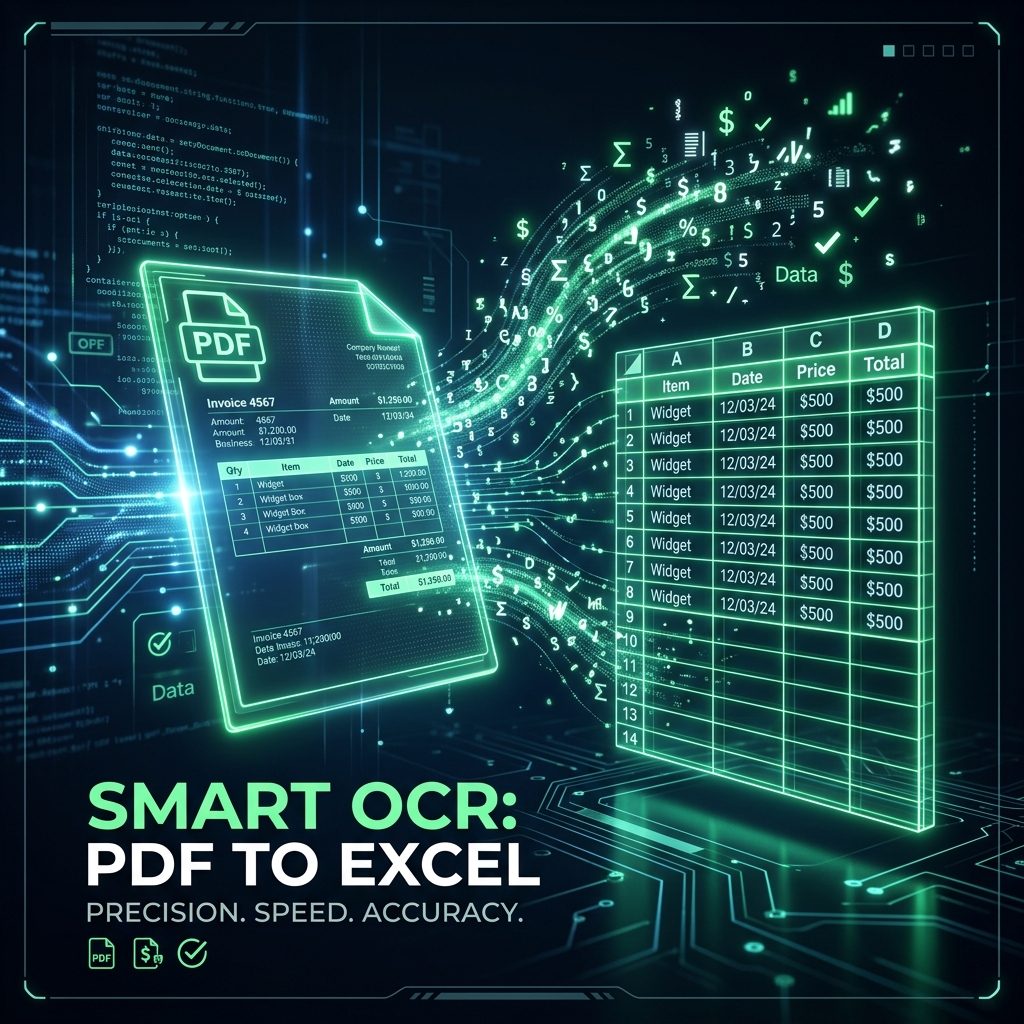
The Core Challenge: Why Standard PDF Parsers Break on Tables
Traditional PDF converters operate under the assumption that documents contain explicit vector text streams. When a document is scanned, faxed, or exported from legacy enterprise systems without internal table metadata, traditional parsers either generate completely blank sheets or scramble columns into unaligned blocks of plain text.
The 3-Layer Smart OCR Architecture
Our engineering team developed a multi-layered computer vision pipeline specifically trained on Indian accounting standards, GST invoices, and financial reports:
- Layer 1: Structural Grid Detection (OpenCV): Detects horizontal and vertical cell boundary lines using morphological dilation and kernel filters, isolating individual cells with mathematical precision.
- Layer 2: Vision Intelligence (EasyOCR & Neural Models): Reads alpha-numeric characters, currency symbols (₹, $, €), and decimal alignments directly from scanned raster pixels with over 99.2% OCR accuracy.
- Layer 3: Formatting & Data Reconstruction: Automatically formats dates, numerical amounts, and header hierarchies so your formulas work immediately in Excel without manual retyping.
💼 Built for Financial & Enterprise Privacy
All Smart OCR operations execute inside localized volatile memory. Financial statements, invoice numbers, and payroll sheets are never stored on persistent storage or shared with third-party networks.
How to Convert Your Scanned PDFs Today
Experience the power of automated table recognition: visit our PDF to Excel Converter, upload your document, and download your spreadsheet in under 5 seconds.